Turn an App Idea Into Reality
Follow this eight-step process once, and every future PatternBuilder app you scope comes together faster and with fewer reworks.
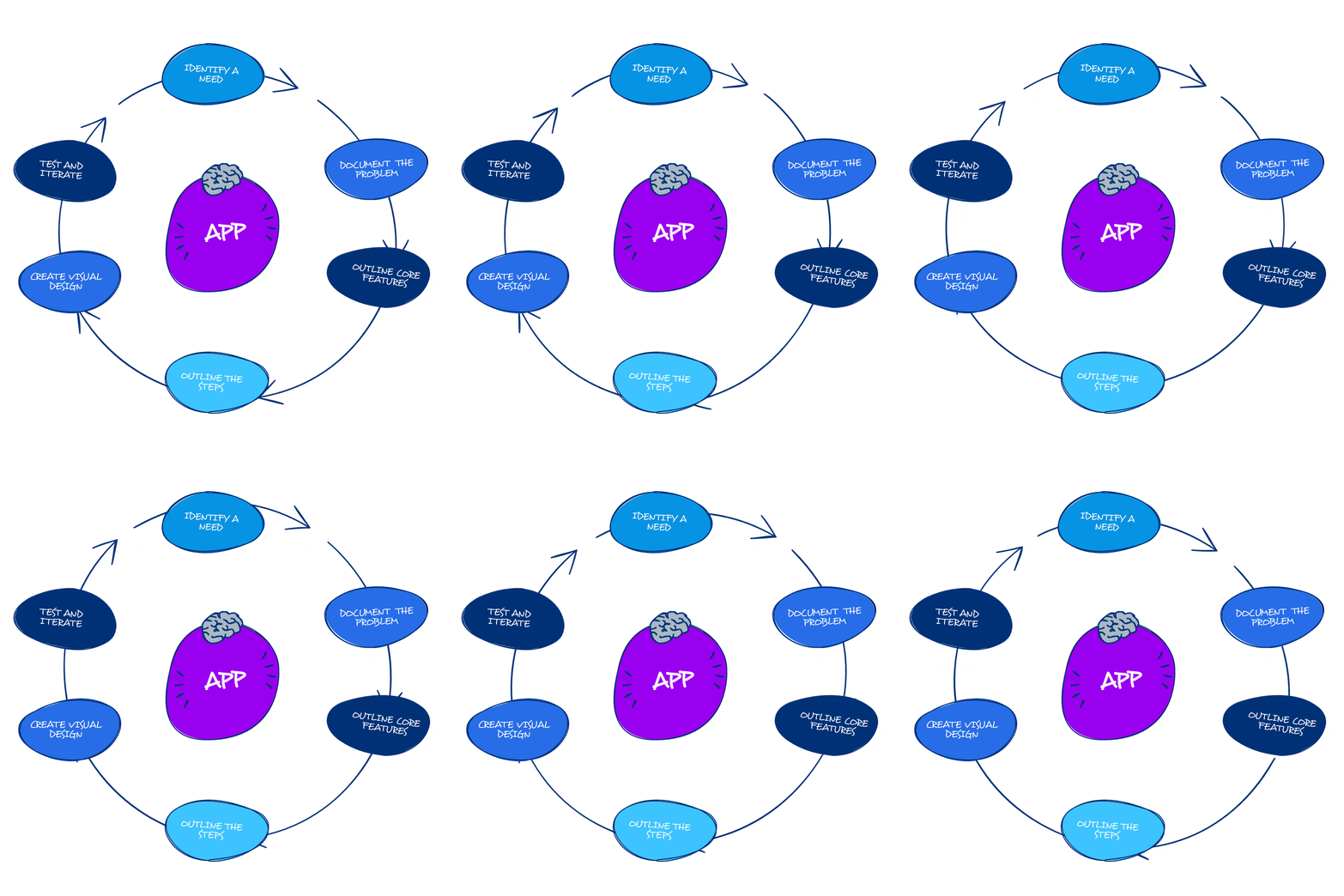
Translating your ideas into apps can sometimes be challenging. Disorganization or a lack of documentation may create obstacles. Let's explore how you can turn an idea into reality.
The app design process
- Start by identifying a need. Identify the problem your app will address.
- Understand the challenges your target users face. Document the problem clearly and specifically: this keeps your app focused on addressing the need.
- Outline the steps. Document a user journey that highlights the key interactions and touch points, for a smooth, user-friendly experience.
- Collect feedback and make changes based on what you learned. Apps can be duplicated and modified to create new apps.
- Outline core features. List and rank your app's key features by importance and feasibility, so the essential functions get built first.
- Create the design: visual interface. Choose colors, typography, and imagery that reflect your brand identity.
- Create the design: focus on usability and accessibility. Design for easy navigation and responsive interactions, and test with real users.
- Build, test, and iterate. Alpha test internally, then release to a small group for beta testing once the app is stable.

