ndMAX Studio
Training resources
All resources
Training video, step-by-step guide, and use-cases
Intro to PatternBuilder
Building apps to automate processes and documents
Start here
Webinars
Live training recap & resources
Legal Apps
Blog
Live training
Training resources
All resources
Intro to PatternBuilder
Start here
Webinars
Live Training Recap & Resources
Legal Apps
Blog
All training resources
Every ndMAX training video, step-by-step guide, and use-cases.
Start here
Webinars
For admins
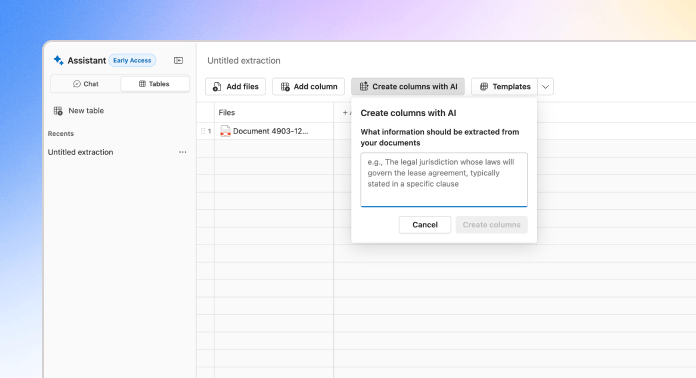
Tabular Review Best Practices
Four practical habits for Tabular Review: building columns with AI, pacing your runs, checking citations cell by cell, and knowing the tool's limits.
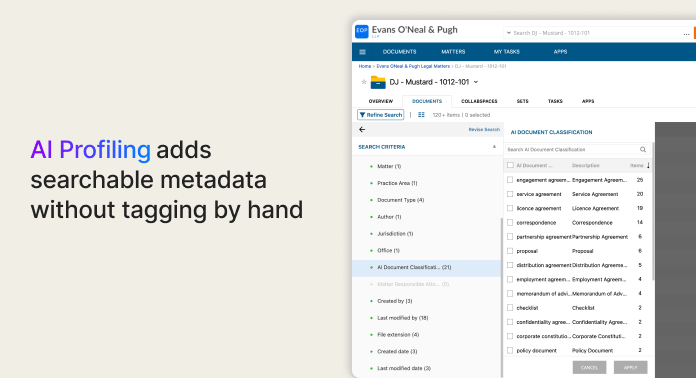
AI Profiling
Add specific, searchable metadata to your documents without tagging by hand, with the help of a qualified implementation partner.
Using Tabular Review
A hands-on walkthrough of building your first tabular review, from opening the table view to reading a finished, source-linked grid.
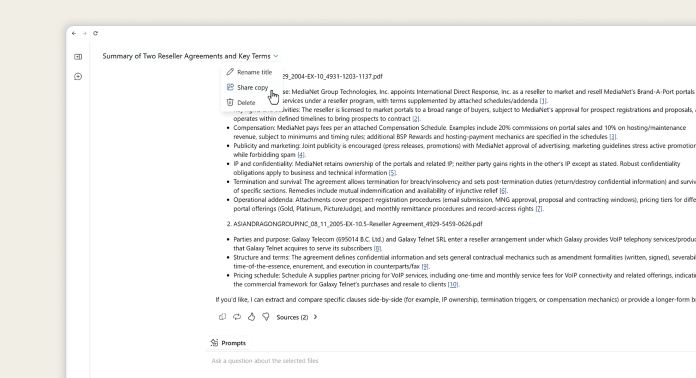
Share an AI Assistant Thread
How to share a live AI Assistant thread with a colleague: creating the link, what they see, and the document-access rules that govern who can open it.
Open, Edit, and Activate Your App
Tailor an imported Legal App to your firm, test it where the output cannot be mistaken for finished work, then activate it for the people who need it.
Getting Your First Legal App
Find a ready-built Legal App, download it from the Support Center, and import it into your own cabinet without duplicating data tables or mismapping your metadata.
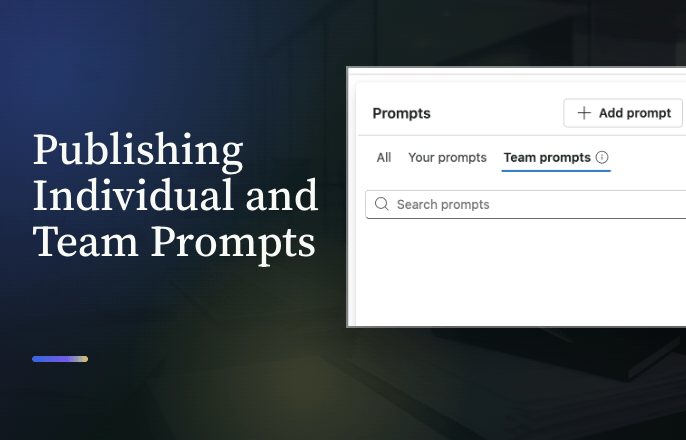
Publishing Individual and Team Prompts
Save a prompt to your own library, and if you're an administrator, publish it to the entire firm instead.
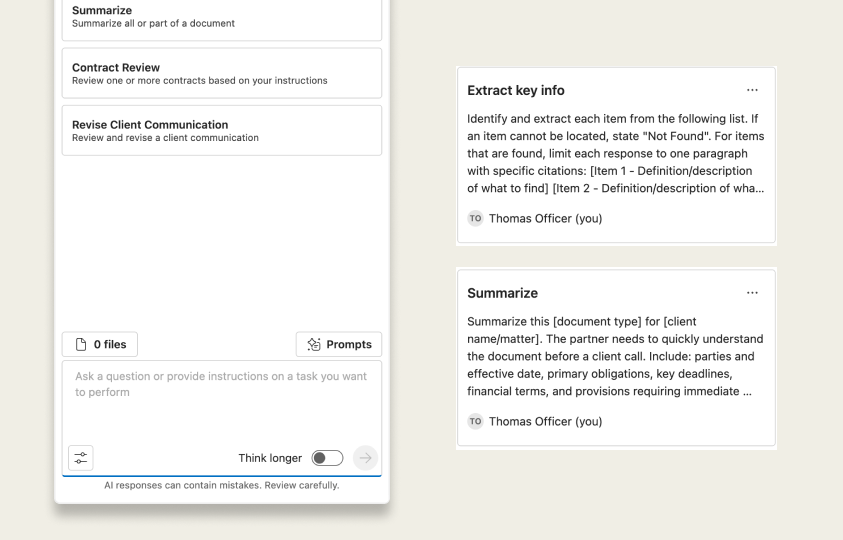
Building Your Prompt Library
The prompt that nailed it last week shouldn't be gone this week. Build a library that keeps it.
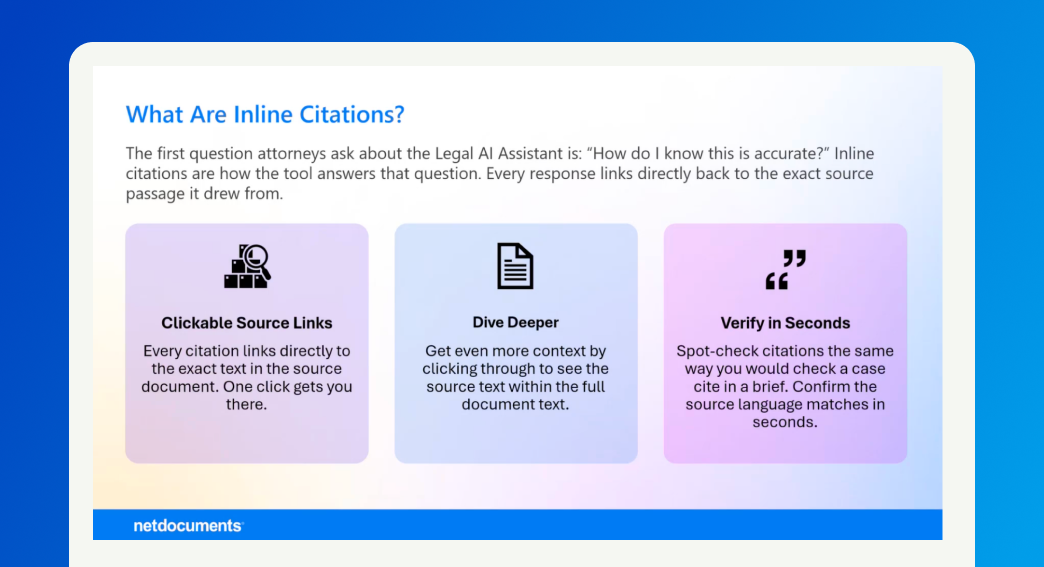
How do I know the answers are correct?
Every answer cites its source. Learn how to check it in seconds before you trust it.
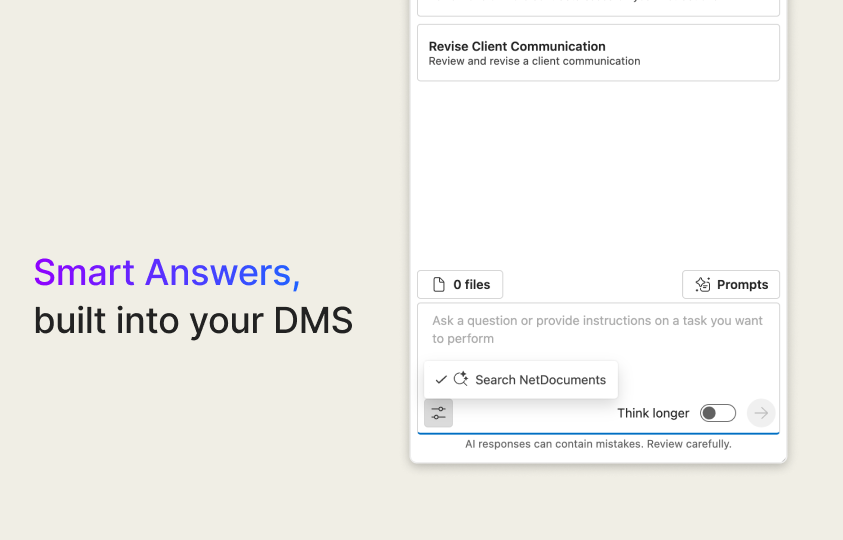
Watch Smart Answers Find Your Documents
Skip document selection. Ask your question and Smart Answers searches your entire cabinet to find the answer.
How Does This Fit My Current Workflow?
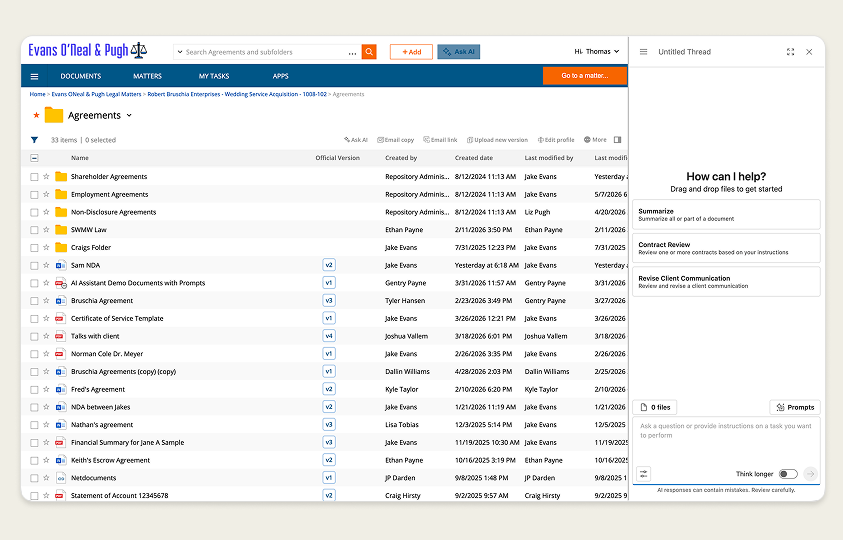
See how Legal AI Assistant fits your existing NetDocuments workflow, then use it on a document of your own.
Is My Data Safe?
Learn where data goes, how the AI reads documents, how NetDocuments permissions are enforced, and what ndMAX does not do with your data.
What Is Legal AI Assistant?
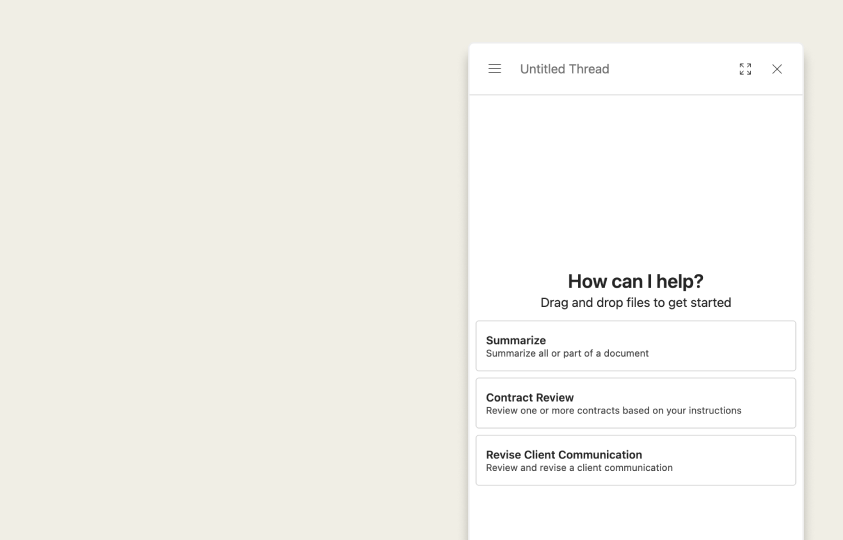
Learn what Legal AI Assistant is, what it does, and popular use cases.
Contract Review
Learn how to pull key terms, flag risk, and compare agreements, all with citations you can check.
Watch the Legal AI Assistant Live Training
A practical guide to the NetDocuments Legal AI Assistant. Learn to summarize matters, retrieve buried facts, and prompt effectively.
What Is Legal AI Assistant for Trusts & Estates?
Learn what Legal AI Assistant is, what it does, and how it helps an estate planning practice review documents and communicate with clients.