Variables
Before we continue building our app together, it is important to pause and ensure you understand the basic concepts related to variables and question blocks. The upcoming lessons will offer detailed information about these two fundamental components of PatternBuilder.
Variables act as data holders.
They represent and identify the data needed for the app to function correctly.
They represent and identify the data needed for the app to function correctly.
When you add variables to your apps, you can manipulate and use that variable throughout your app, which makes it responsive to user input, interactive, and personalized!
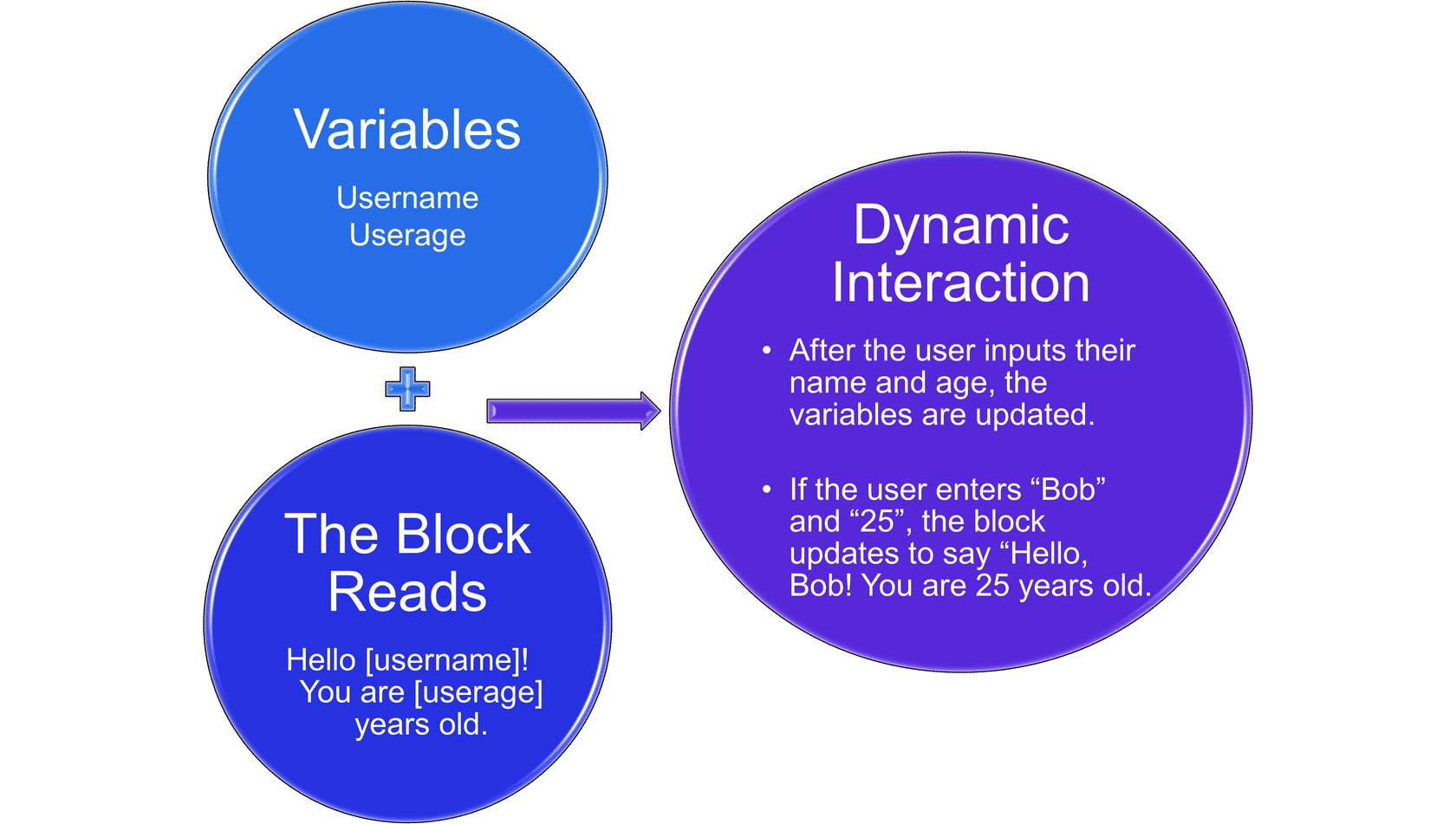
The app is now interactive and personalized!
Noteworthy Variable Types
Number Variables

Numbers are for mathematical calculations in your app, allowing you to perform operations and compare values. Best Practice: If you have a number not used in a calculation, like an account number, use a text box instead of a number.
Date/Time Variables
Date and time variables represent specific points in time and are formatted as 'June 26, 2021' by default.
- They can be customized in your app's settings and are valuable for scheduling events, logging timestamps, and managing deadlines.
- These variables can also be used in logical expressions to compare dates and times, making them useful for time-sensitive operations, such as creating reminders or triggering actions based on specific dates and times.
Boolean Variables
Boolean variables are simple yet powerful, representing true or false values. They are commonly used in logical expressions to control app flow and streamline decision-making processes in complex apps.
File/Image Variables
File/image variables allow users to upload and manage files within your app. This often occurs when uploading documents for summarizing.
Special Variables
Variables like Today and Now are built-in and represent every app's current date and time.
Instruction for Exercise: In your Customer Information app, go to the first information block and insert a new variable in the text field. The new variable will be "Today" and should appear above the statement.
Instruction for Exercise: In your Customer Information app, go to the first information block and insert a new variable in the text field. The new variable will be "Today" and should appear above the statement.
List Variables
List variables represent arrays or collections of data created through loop sections or query blocks, enabling dynamic data handling.
URL Variables
URL variables are variables defined within an app's URL. They can be plain text, boolean, number, or date and pass data between different parts of your app. For example, you can create a URL parameter to filter content based on user input. URL variables are particularly useful for linking multiple apps or pages together.
Plan Text Variables
Plain text variables are basic fields defined using different question types. They are used for forms, surveys, and text-based interactions and offer an easy way to handle text data in applications, much like what we have used in our question blocks.
Rich Text Variables
Rich text variables allow you to style text with headers, lists, links, and more. You can use markdown syntax or a built-in editor to format the text. They are great for creating visually appealing content within your app and enhancing the user experience.

