Get Up to Speed on a New Case with the Legal AI Assistant

Walk into your first conversation about a new matter already knowing the parties, the dates, and the disputes.

When you're brought in on a case, you need to understand a set of documents quickly and pinpoint the key details. The NetDocuments Legal AI Assistant helps attorneys and paralegals do exactly that, turning a stack of case documents into a clear, grounded summary in minutes.

Steps

1

Launch the Assistant and run a saved prompt

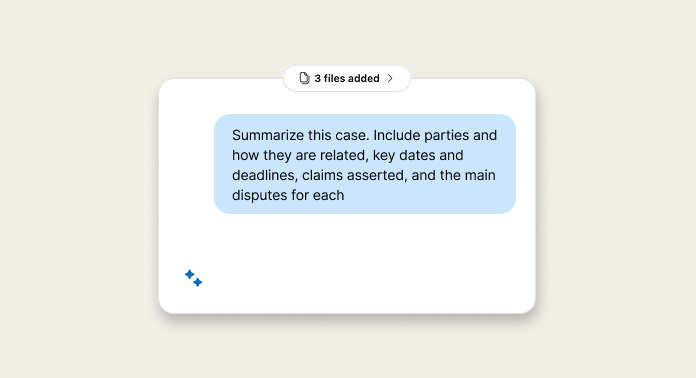
Open the Assistant with the case documents selected, and wait for everything to finish loading. Then open the Prompt Library and select your case summary prompt. If you don't have one yet, copy this into your library.
Using only the loaded documents, summarize this case. Include: Parties and how they are related; Key dates and deadlines; Claims asserted and the main disputes for each
Copy prompt to clipboard
2

Review the output and verify with source links

Expand your screen for easier reading. The summary is grounded in your documents and shaped by the structure of your prompt. Select any source the Assistant references to jump straight to the exact section of the reference document.
3

Ask follow-up questions in natural language

Go deeper on anything you need. For example: "What types of claims are being asserted, and what are the key issues or disputes for each claim?"

With a saved prompt, grounded answers, and source links for every detail, you can get up to speed on any new matter and spend your time on the work that matters most. Follow-up questions let you keep exploring without starting over. Save your case summary prompt to your Prompt Library today and run it the next time you're brought in on a matter.

Expert Office Hours

mondays
8am PST / 11am EST
wednesdays
12pm PST / 3pm EST
Sign up