
How do I know the answers are correct?
Confirm your answers in seconds, before you trust it.


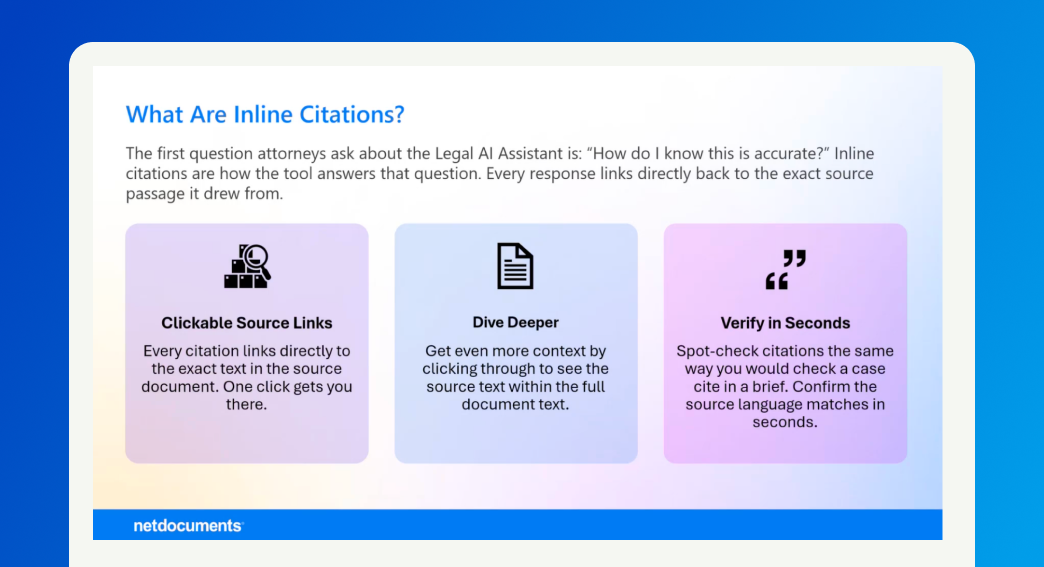
Every response in Legal AI Assistant cites its source, and this lesson shows you how to check it against the document in seconds.
An answer is only useful if you can trust it, and legal work runs on verification. Legal AI Assistant grounds every response in the documents you selected from NetDocuments, then shows its work. It doesn't run a broad web search. It reads the documents in front of it and points you back to exactly where each part of the answer came from. The rule is simple: trust, but verify.
The blue numbers inside a response are citations. Each one links a statement in the answer back to the specific place in the source document it came from. They are how the Assistant shows its work, and how you confirm it.
Ask the same question twice and the responses may not match word for word. Unlike a search engine that returns fixed results, Legal AI Assistant constructs each response dynamically, so phrasing and emphasis can vary even on identical questions. Use the citations in every response to verify the answer against the source document, regardless of how it's worded.
Confirm the key facts against the source before the answer leaves your desk. Verification takes seconds, and it's the difference between an answer you hope is right and one you know is.


