Publishing Individual and Team Prompts

Save it once. If you're an administrator, save it for everyone.

Every time you start a session from scratch, you spend time reconstructing something you've already figured out. The Prompt Library is where you keep the prompts that worked, so you open a session, select one that fits, and get started right away.

Your Prompts vs. Team Prompts

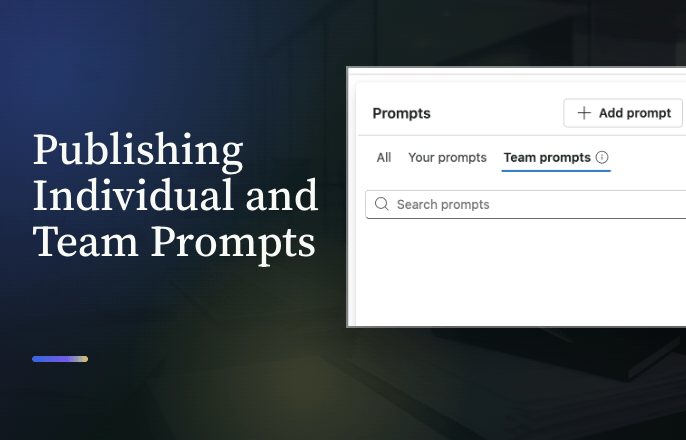
The library has three tabs: All, Your Prompts, and Team Prompts. Your Prompts are the ones you've personally saved, visible only to you. Team Prompts are created by a repository administrator and visible to everyone with the AI Assistant. Each card is labeled with whichever one it is.

Try it yourself

1

Open the library

Click Prompts, just above the chat window. The library opens to three tabs: All, Your Prompts, and Team Prompts.
2

Save a prompt

Select +Add Prompt, enter a name (up to 50 characters) and the prompt itself (up to 4,096 characters), then select Save. It's added to your personal library, ready to reuse in any future chat. You can save up to 100.
3

Manage it later

Open a saved prompt's ellipsis menu to pin it (up to 10), edit it, duplicate it, or delete it. Deleting a prompt removes it only from your personal library.

If you're a repository administrator

Saving a prompt shows a dropdown instead of one Save button. Save to your prompts keeps it personal. Save to team prompts publishes it to the Team Prompts tab, instantly available to everyone with the AI Assistant. Up to 100 prompts can live in the Team Prompts library.

Only an administrator can edit or delete a Team Prompt. Anyone else can pin one or duplicate it into their own library to adjust it, but the original stays untouched.

Tips

  • Before you close a session, check the prompts you ran. If one returned exactly what you needed, save it.
  • If you're an administrator, publish a prompt to the team only after it has proven itself in your own personal library first.
  • Check the Team Prompts tab before you write one from scratch. Your administrator may have already published it.

More prompts to draw from

Whether you're saving to your own library or publishing one for the whole team, start from a prompt that already works.
100+ Prompts for Legal Professionals