
Watch Smart Answers Find Your Documents
You don't know which document has the answer. Smart Answers does.


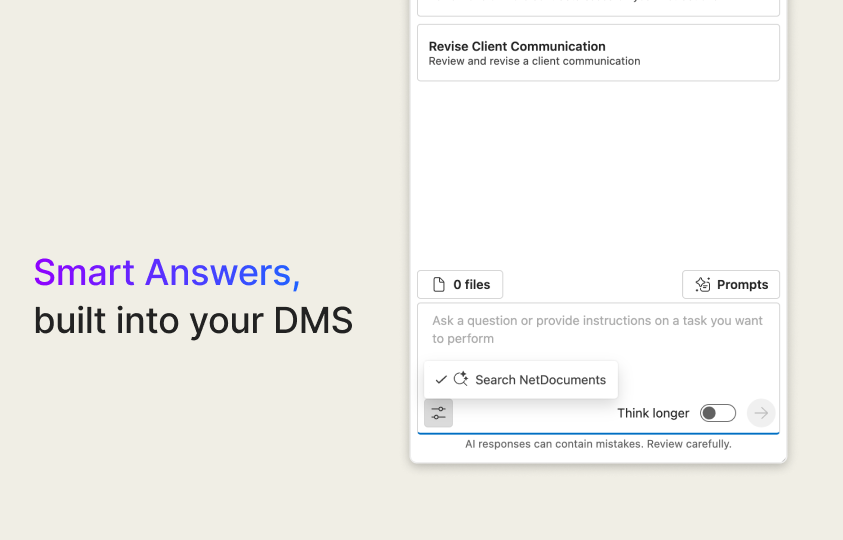
Smart Answers searches your cabinet for documents that match the criteria in your question, reads those documents, then combines the information into a clear, structured response. The response includes citations showing which documents were used.
You don’t need to select any documents. Open Legal AI Assistant, ensure “Search NetDocuments” is checked, then ask your question.

Click here to download the Smart Answers One-Sheet.


