
What is MCP?
Bring your NetDocuments documents into the AI tools you already use, with your permissions intact.


MCP, which stands for Model Context Protocol, lets you use your NetDocuments documents in the AI tools you already use. Learn what it is and what it does for you, so you know what to ask for.
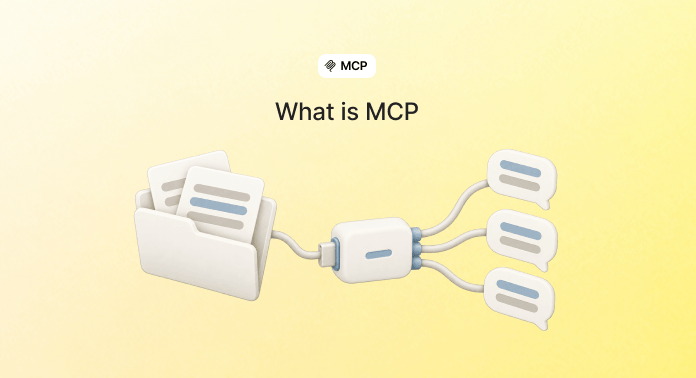
Think about the back of an old laptop: a separate port for power, video, audio, and monitors, each with its own cable. USB-C replaced all of them with one standard port.
MCP does the same for AI. It is one standard way for AI tools like Claude, ChatGPT, Microsoft Copilot, Google Gemini Enterprise, Harvey, and Perplexity to reach your NetDocuments content. NetDocuments offers MCP through ndConnect, so you work in the AI tool you already know instead of switching apps.
Just as not every USB-C cable does everything, what each AI tool supports depends on its plan.
You ask a question in plain language, right inside your AI tool. The tool searches NetDocuments, reads the text of the documents it needs, and answers with citations back to the source documents. For example, you can:
Write-back creates new documents only. MCP can't edit, move, or delete existing ones. The answers come from the AI tool's own language model, so review them and use the citations to check the source.
MCP runs as you. The tool finds only what you can already open in NetDocuments, and the ethical walls and data loss prevention rules your firm has set up still apply. Documents your firm marks as off limits to AI assistants never appear in results.
The file itself stays in NetDocuments. The AI tool receives the document text it needs to answer your question, and after that its own data policy applies. MCP does not use your NetDocuments AI tokens.
MCP gives the AI tools you already use a standard, governed way to work with your NetDocuments documents. You keep your permissions and your single source of truth, and you skip the downloading and uploading.
MCP via ndConnect is in public preview, so access is by request. To request access, fill in the preview request form linked in the support article MCP via ndConnect.
You also need an ndMAX Enterprise subscription, and your administrator turns MCP on for your repository. If you don't see NetDocuments in your AI tool, ask your administrator.


