Using Tabular Review

Build a review grid from a set of documents in under ten minutes.
Tabular review turns a stack of similar documents into one review you can scan, sort, and hand off, with every answer linked back to the exact page it came from. This lesson walks you through building your first tabular review from scratch, in your own workspace, so by the end you have a working, source-linked grid instead of just a read-through.

Build your first review

1

Open the table view

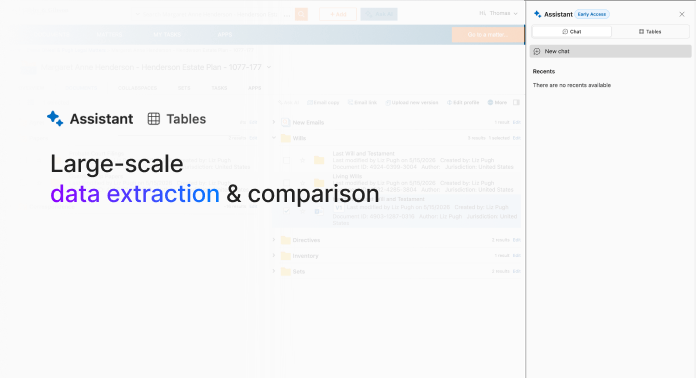
Tabular review lives inside the Legal AI Assistant, not as a separate app. Click "Ask AI" to open the Assistant, click the menu icon (the hamburger icon) at the top of the panel, then toggle to "Tables" to switch from the chat view to the table view.
2

Add documents and build your columns

From the table view, drag and drop 3–5 documents from a real matter directly in (supported types: .docx, .pdf, .pptx, and emails saved in NetDocuments). Then describe each field you want in one sentence, including the format you expect back. Copy any of the prompts below to try it on a folder of similar documents.
3

Run it and check the results

Click "Run" once your columns are set. On a handful of documents, this finishes in under a minute. Click into two or three cells to open their source citation and confirm the extraction against the actual document before you trust the row.

Ways to use tabular review

Witness consistency check

Comparing an expert's statements across reports, depositions, and prior testimony to flag inconsistencies.
Extract the expert's name, source document type, date, and any opinions or figures stated about [the specific topic] from each document.
Copy prompt to clipboard

M&A due diligence

Turning a stack of purchase agreements into one grid of deal terms for partner review.
Extract the effective date, parties, change-of-control provisions, indemnification caps, and governing law from each agreement.
Copy prompt to clipboard

Vendor contract compliance

Checking a set of vendor agreements for data protection and compliance obligations ahead of an audit.
Extract the vendor name, contract term, data protection or DPA clause language, and renewal or termination notice period from each vendor agreement.
Copy prompt to clipboard
More help

Expert Office Hours

Every Mon
8am PST / 11am EST
Every Wed
12pm PST / 3pm EST
Sign up

Try it!

A finished grid is only as good as the columns behind it. Once your first review is running, the tabular review Best Practices lesson covers how to scope documents, write precise column prompts, and verify citations before you rely on a row.
Tabular review best practices