onboarding guide

Training & Resources

Getting started with the
Legal AI Assistant and ndMAX

Start here Join a training session
Your documents stay in your NetDocuments environment. ndMAX never trains on your content.

3 steps to your first
Legal AI Assistant interaction

  • 1
    Select documents
  • 2
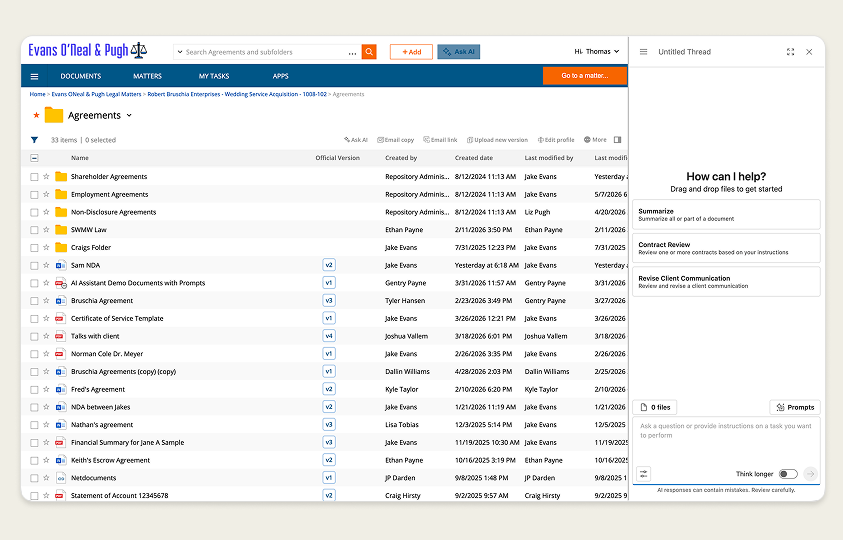
    Click the
    button
  • 3
    Write a question or request ("prompt")

try these prompts

Summarize this document, focusing on the key terms and obligations for each party. Provide 5 bullet points with the most critical information.

Extract all dates mentioned in this document along with the context for each date. For each date found, provide the date, a brief description of what it refers to, and its significance to the document. Present your findings as a numbered list, with each entry containing the date followed by its description and significance.

Compare these two documents, identifying all substantive differences. Focus on legal and business terms rather than formatting changes. List key differences in bullet points, noting which party each change favors.

Learn the basics

live sessions

Train with your team,
not from a video

example prompts by practice area

Pick something you're working on today

Contract Review

Try asking the Assisant:
  • "What are the remedies for breach of contract, and do they include liquidated damages?"
  • “What are the provisions related to the retention, return, or destruction of the confidential materials?”
  • “What are the restrictions on sub-licensing?“

Mergers & Acquisitions

Try asking the Assistant:
  • “Is there a key man provision in the PSA? What are the remedies upon breach?”
  • “What are the non-compete and non-solicit provisions in this employment agreement?“
  • “What are the conditions for post-sale support and transition of intellectual property?”

Litigation

Try asking the Assistant:
  • “Identify any discrepancies in the testimony of these witnesses.”
  • “What is the witness’s educational background?”
  • “Which of the requests for production concern materials involving third parties that are not parties in this dispute?”

FAQs

What is ndMAX, and what is the Legal AI Assistant?
ndMAX is the AI suite from NetDocuments. The Legal AI Assistant is its most-used tool: a document-based AI that generates responses from content stored in your NetDocuments cabinet, not from general internet knowledge.
What's the difference between the Assistant and an App?
The Assistant is open-ended. Ask anything about your documents. Apps are repeatable workflows designed for specific jobs like contract review, intake, or matter setup. Use the Assistant for one-off questions. Use an App for recurring work that comes up every week.
How do I start using the Assistant?
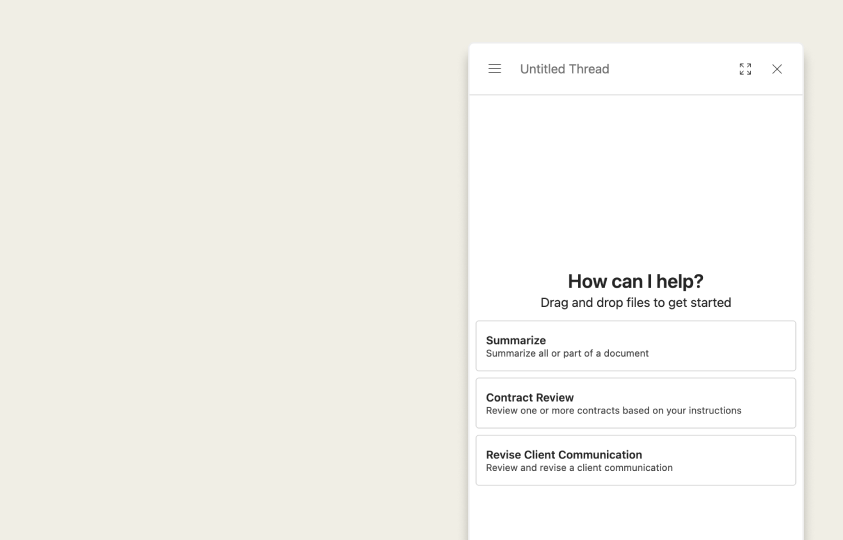
Click the Ask AI button inside NetDocuments. Load the documents you want to work with, then ask questions, request summaries, draft content, or extract data.
How secure is ndMAX?
ndMAX runs on Microsoft Azure OpenAI, chosen because it meets the security standards legal clients already trust. Your data is never used to train AI models. Microsoft's content moderators cannot view your submissions, and NetDocuments does not retain query data.
How do I know if an answer is accurate?
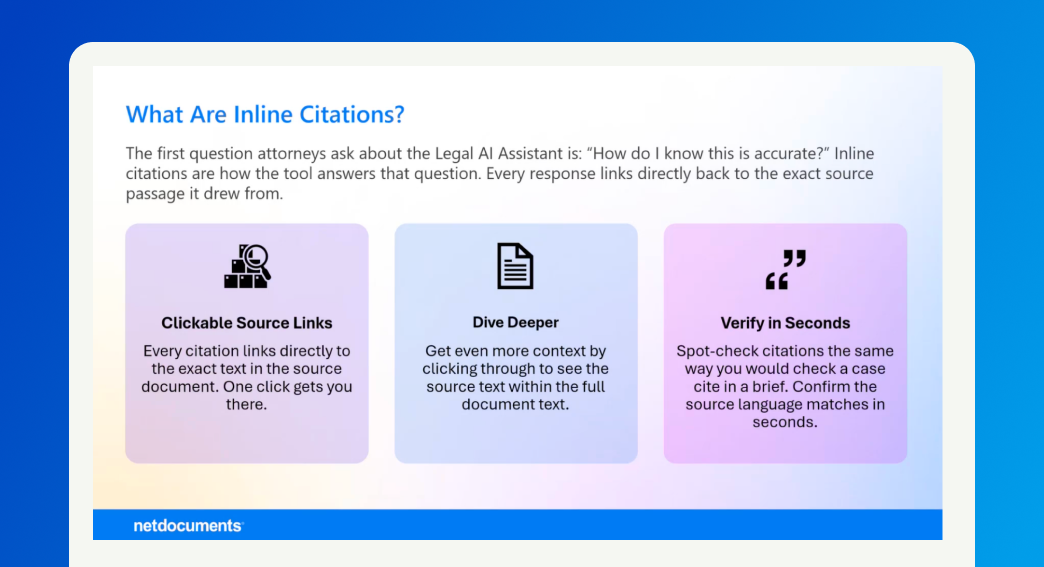
Every response includes inline citations to the source documents. You can also expand the thinking trace to see how the Assistant arrived at its answer. As a rule, always review the response against the source before relying on it.